Download
Download ViaCamera for iPhone
Free on the App Store. Currently listed on the App Store as “Photographer AI Selfie Camera”.

ViaCamera is an iPhone app. Scan this code with your iPhone camera to open it in the App Store.
Open in the App Store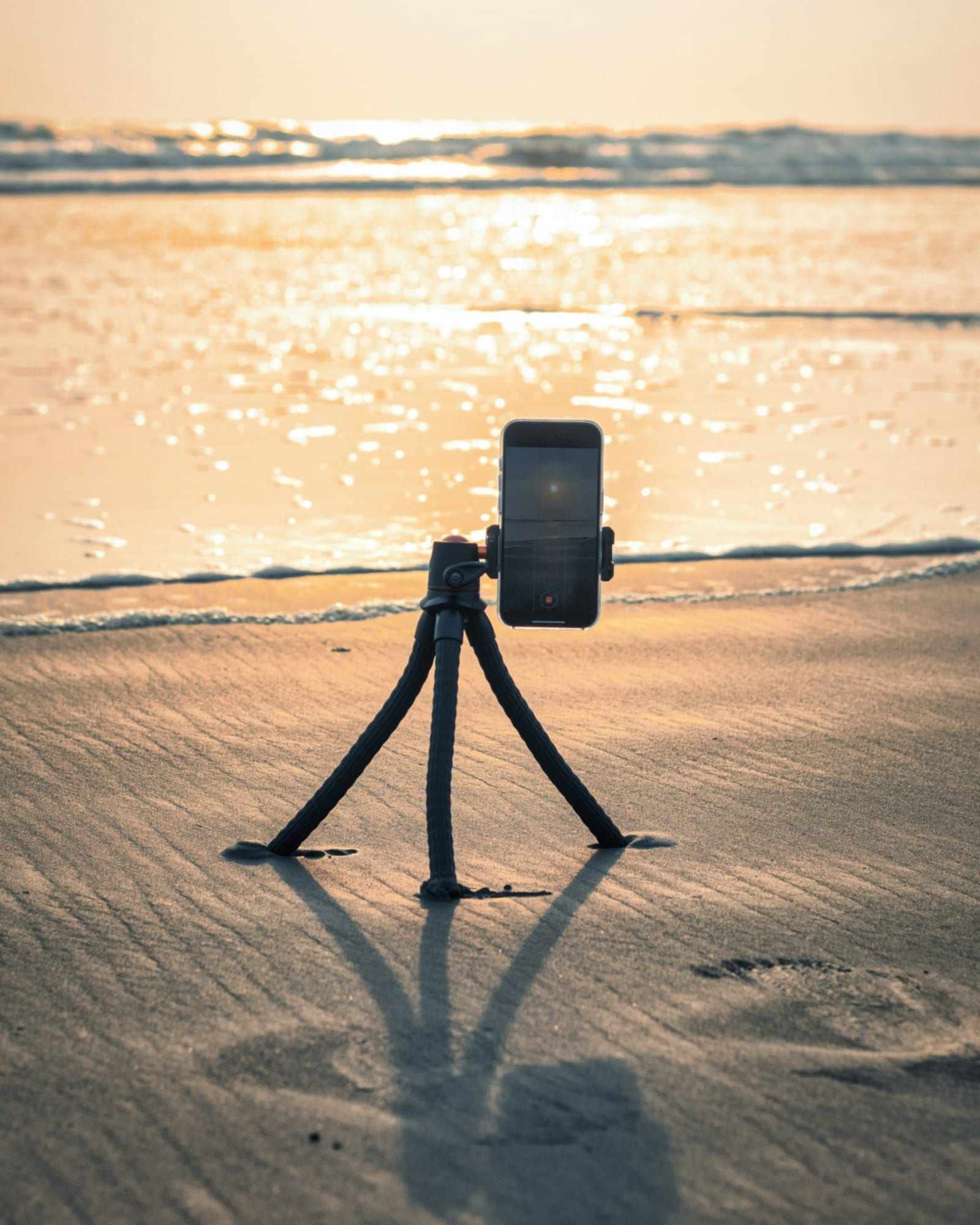
Short answer
ViaCamera is an iPhone app on the App Store. It is free to download, and new subscribers get a
1-month free trial. It needs iOS 15.6 or later; there is no Android version. On your iPhone, tap the App Store badge; on a
computer, scan the QR code with your iPhone.
What do you need?
- An iPhone running iOS 15.6 or later. ViaCamera is an iPhone app; there is no Android version.
- Something steady to stand it on: a tripod, a shelf or a stack of books.
- ViaCamera itself: free to download, with a 1-month free trial for new subscribers. See plans and prices.
What happens after you install it?
-
Install it
On your iPhone, tap the App Store badge above. From a computer, scan the QR code with your iPhone camera.
-
Set your iPhone down
Stand it on a tripod or anything steady and open ViaCamera.
-
Step back and pose
In AI-FACE mode, ViaCamera takes the photo when your face is in frame and your eyes are open.
Need help? Contact ViaCamera support.