How it works
How an AI camera takes photos by itself
Set your phone down, step back and pose. Here is what ViaCamera does, what it needs, and what to do if it keeps waiting.
By ViaCamera Team Updated

ViaCamera is an iPhone app. Scan this code with your iPhone camera to open it in the App Store.
Open in the App Store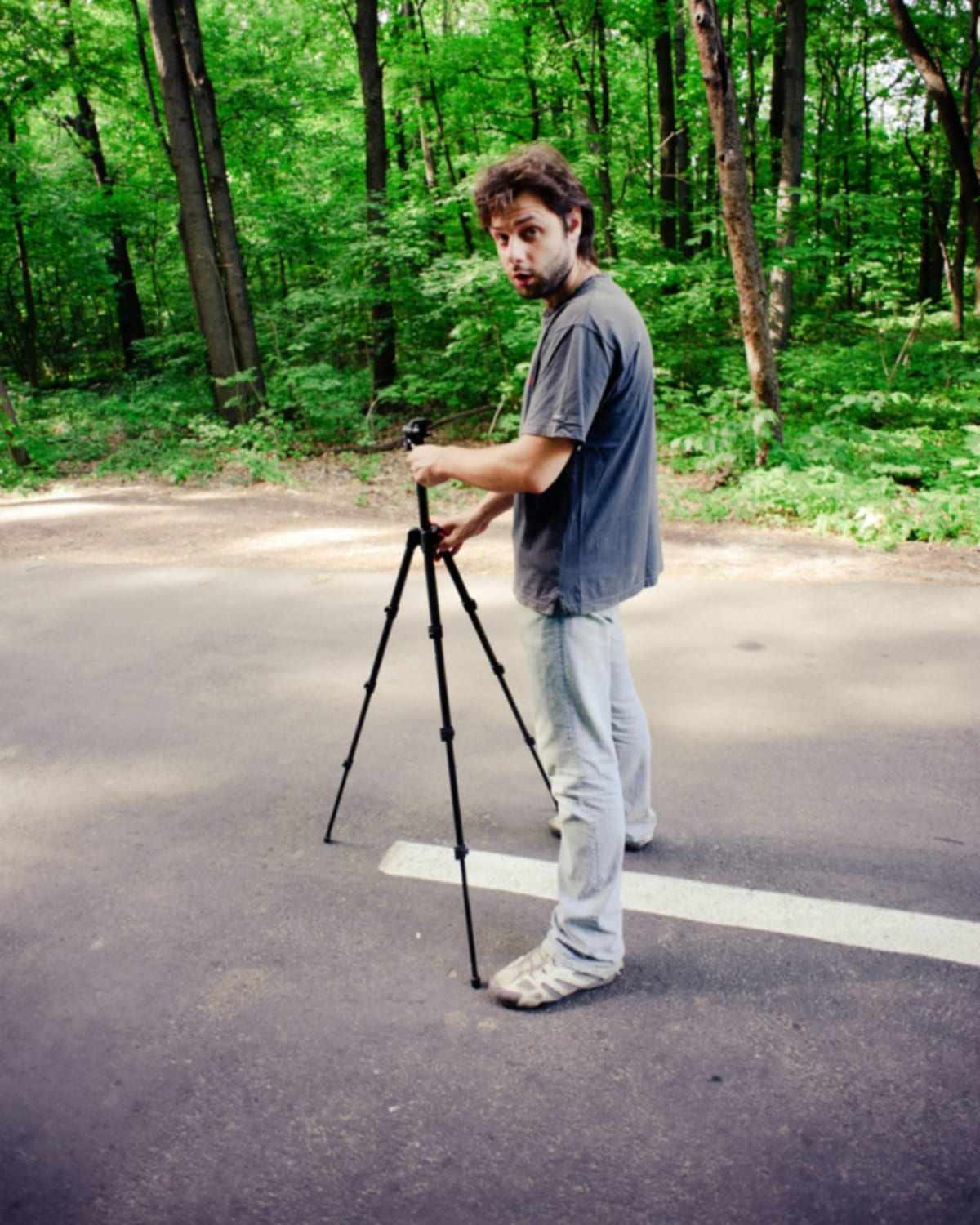
Short answer
Set up ViaCamera in 3 steps
-
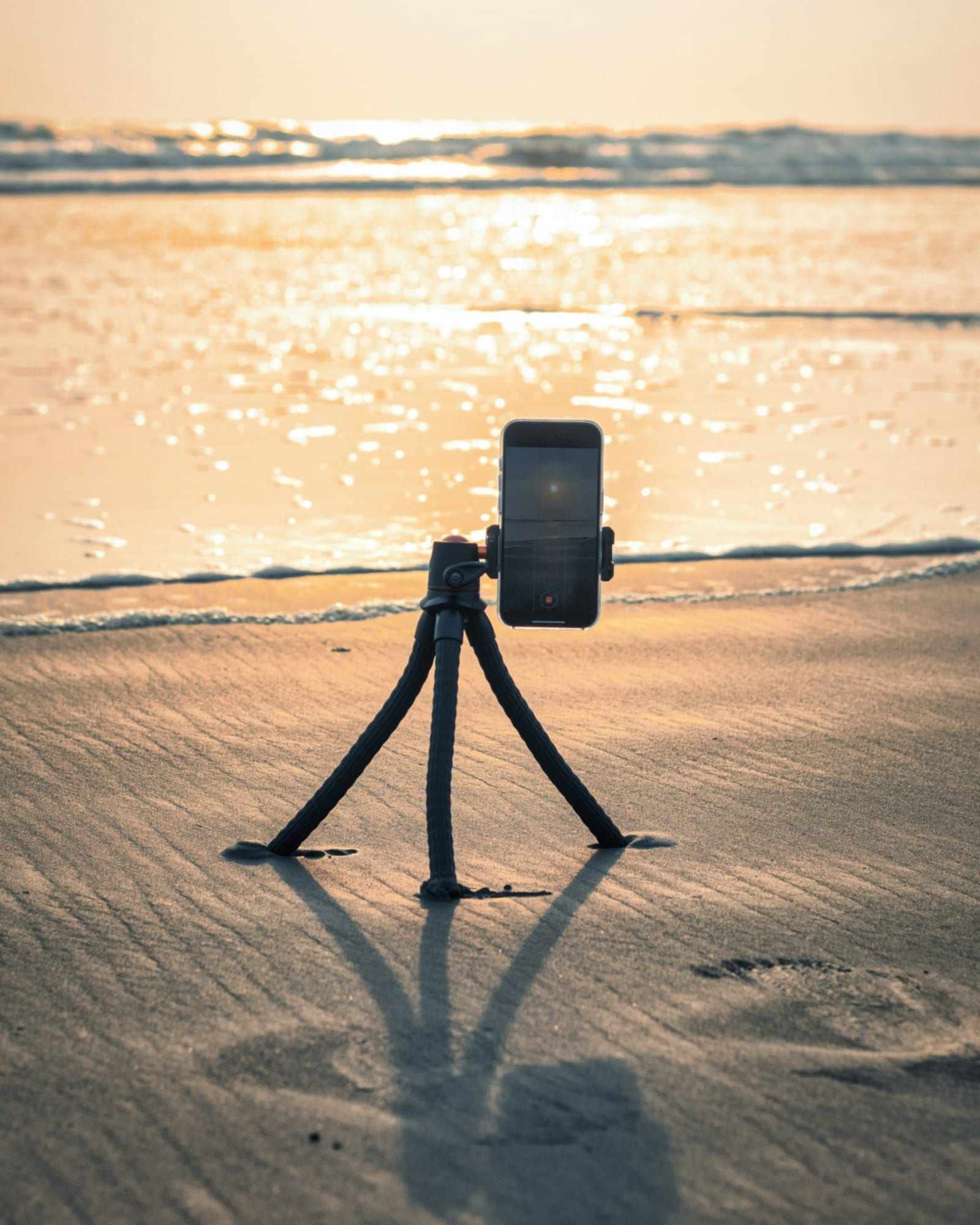
Place your iPhone
Put it on a tripod, a shelf or anything steady, facing where you will stand. Open ViaCamera and choose the front or the back camera.
-

Choose a mode and step back
Pick AI-FACE for a portrait or AI-BODY for a full-body shot, then walk to your spot. There is no timer to race.
-

Pose
ViaCamera takes the photo when your face is in frame and your eyes are open (AI-FACE), or when it sees you in frame (AI-BODY).
What does the AI look for?
- AI-FACE
- Your face in frame, with your eyes open.
- AI-BODY
- You, in frame.
- PHOTO
- Nothing: it is a regular camera and you tap the shutter yourself.
What do you need?
- An iPhone running iOS 15.6 or later. ViaCamera is an iPhone app; there is no Android version.
- Something steady to stand it on: a tripod is optional, and a shelf or a stack of books works.
- ViaCamera from the App Store: free to download, with a 1-month free trial for new subscribers. See pricing or get the download link.
Why isn't ViaCamera taking the photo?
- Your face is not in frame
- Move the phone or yourself until your face is in the shot, then pose.
- It is too dark
- Turn toward a window or a lamp. In a very dark room the camera may not be able to see your face clearly.
- Your eyes are closed or hidden
- Look toward the camera with your eyes open. AI-FACE waits for open eyes.
- You want a full-body shot
- Switch to AI-BODY, which fires when it sees you in frame.
- You are in PHOTO mode
- PHOTO is a regular camera with a manual shutter. Switch to AI-FACE or AI-BODY to let ViaCamera take the photo.
Still stuck? Contact ViaCamera support.
Frequently asked questions
How does an AI camera take photos by itself?
Do I need a tripod?
Which iPhones does ViaCamera work on?
Why is ViaCamera not taking the photo?
Related
- The AI auto shutter
Why there is no timer to race.
- AI-FACE, AI-BODY and PHOTO
What each mode waits for.
- How to take pictures with a phone tripod
Choosing, setting up and framing from a tripod.
- Where to prop your phone without a tripod
Shelves, books and ledges that hold a phone steady.
- Pricing and the free trial
Free to download, with three plans.
- Download ViaCamera
Get it on your iPhone.
Try it on your iPhone
Free to download, with a 1-month free trial for new subscribers.
ViaCamera is an iPhone app. Scan this code with your iPhone camera to open it in the App Store.
Open in the App Store