AI-FACE, AI-BODY and PHOTO
AI-FACE, AI-BODY and PHOTO: the three ViaCamera modes
A face detection mode for portraits, a body mode for full-body shots and a regular camera for everything else.
By ViaCamera Team Updated

ViaCamera is an iPhone app. Scan this code with your iPhone camera to open it in the App Store.
Open in the App Store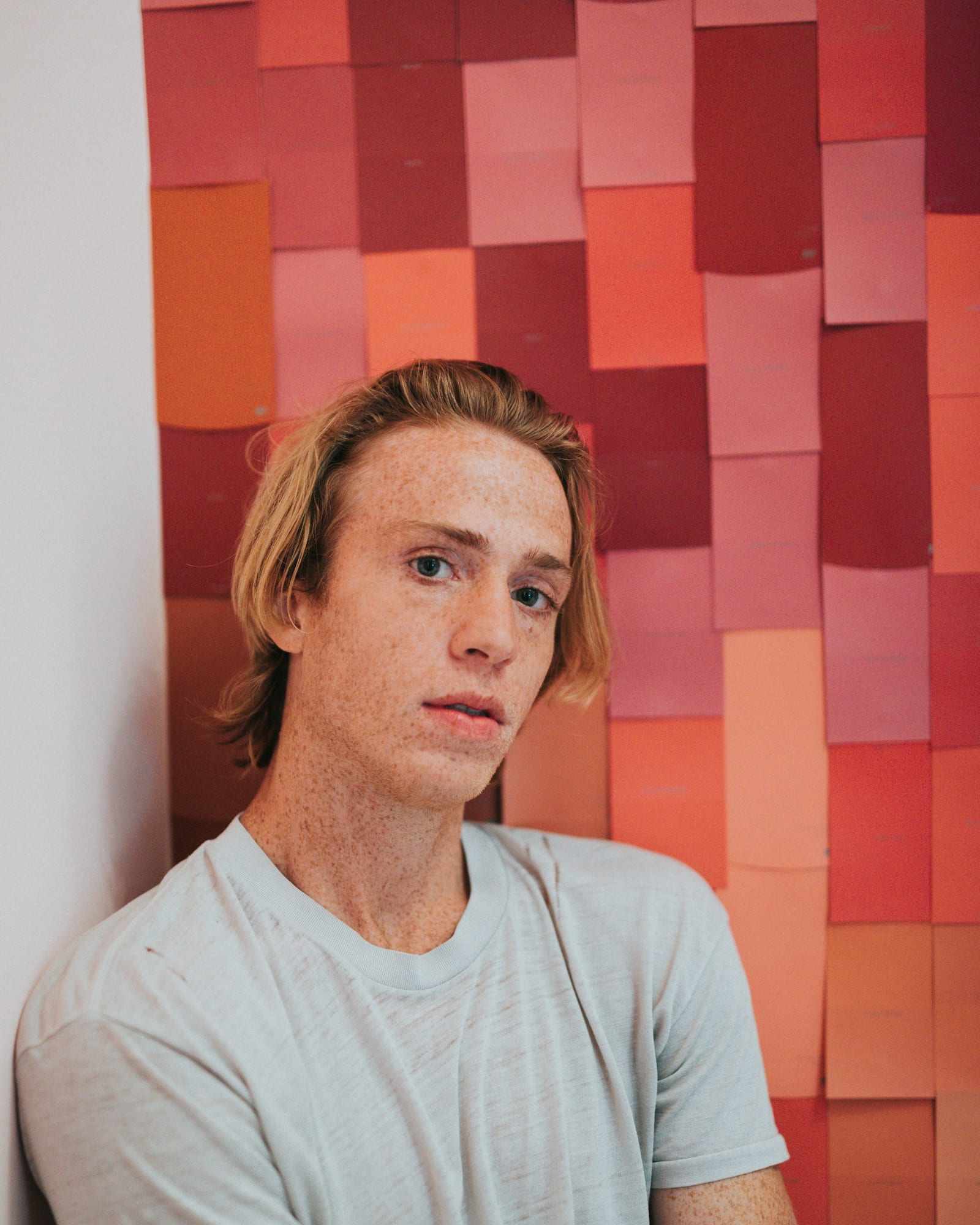
Short answer
How do you use a mode?
-
Open ViaCamera and pick a mode
AI-FACE for portraits and head-and-shoulders shots, AI-BODY for full-body and outfit shots, PHOTO when you want to press the shutter yourself.
-
Frame the shot and step back
Set your iPhone down with the front or the back camera facing you, then move to where you want to stand.
-
Pose
In AI-FACE and AI-BODY mode, ViaCamera takes the photo when it sees what the mode is waiting for. In PHOTO mode, tap the shutter.
The three modes at a glance
| Mode | Takes the photo when | Best for |
|---|---|---|
| AI-FACE | Your face is in frame and your eyes are open | Portraits and head-and-shoulders shots |
| AI-BODY | It sees you in frame | Full-body, outfit and wide shots |
| PHOTO | You tap the shutter | Anything else, or when someone holds the phone |
Which mode should you use?
-
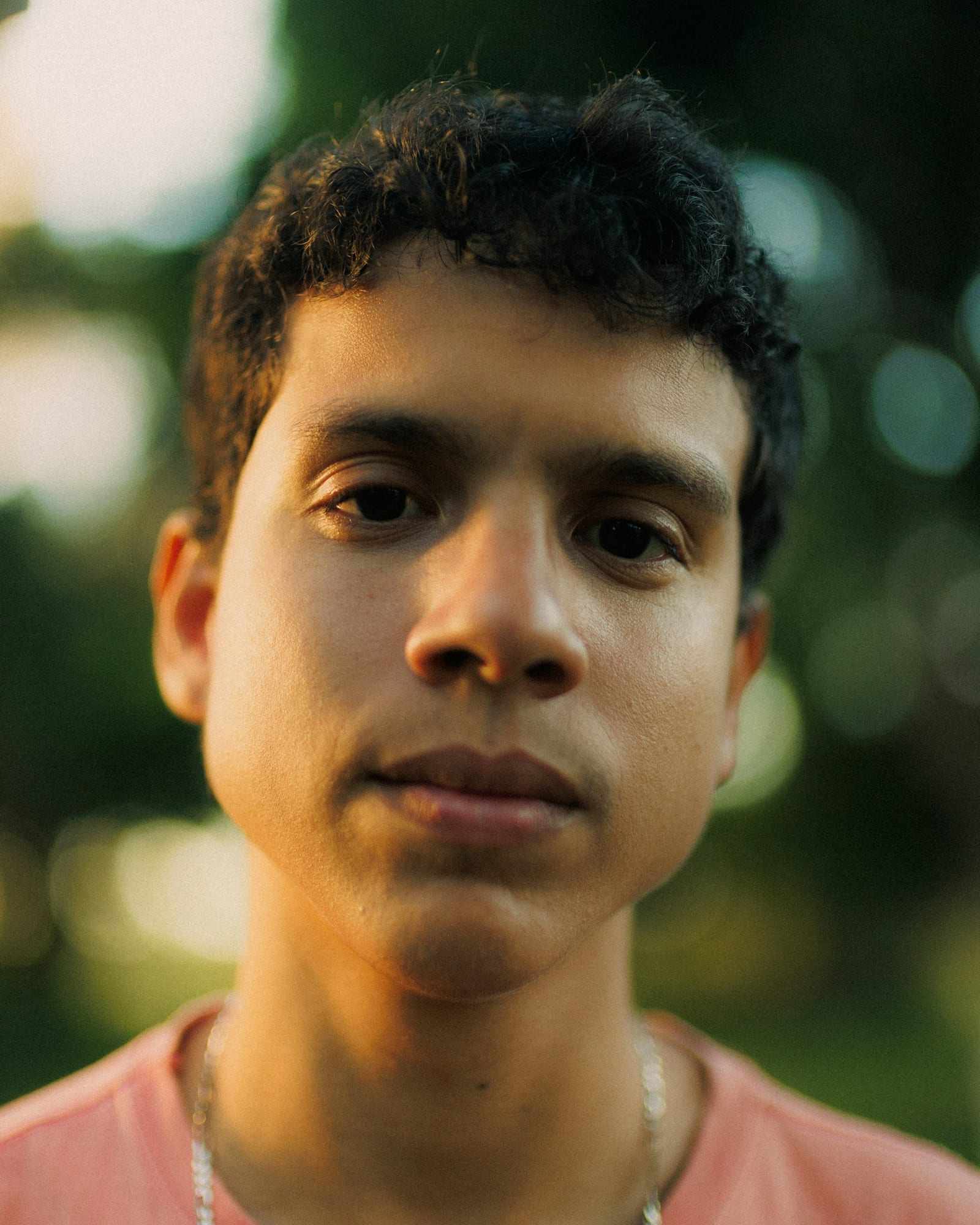
AI-FACE: a face detection camera
Fires when your face is in frame and your eyes are open. Best for portraits and head-and-shoulders shots.
-
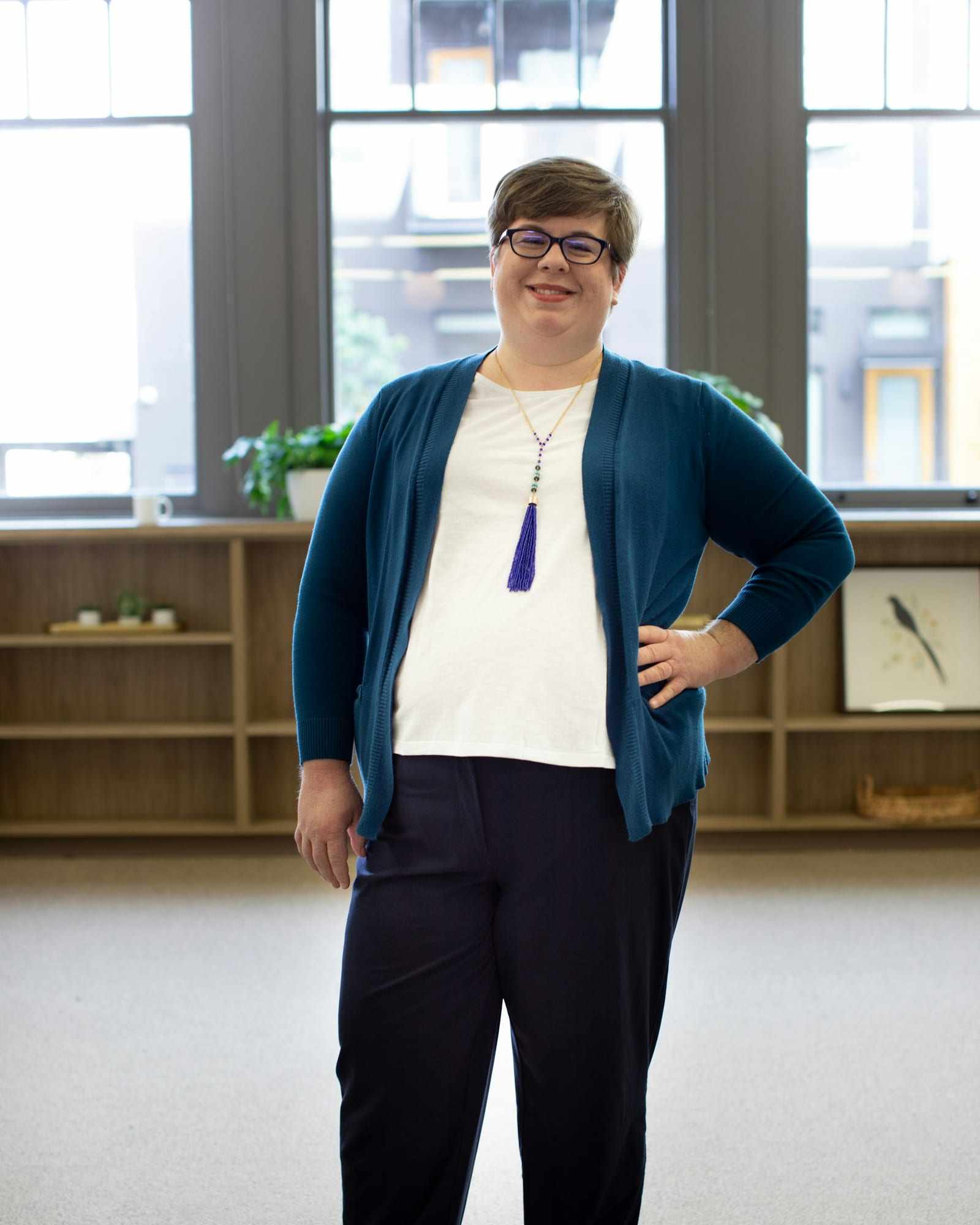
AI-BODY: for full-body shots
Fires when it sees you in frame, so it suits full-body shots. Best for outfit photos.
-
PHOTO: a regular camera
A manual shutter, as in any camera app. Use it when someone else is holding the phone or you want to pick the moment yourself.
What are the limits of each mode?
- AI-FACE fires only when your face is in frame and your eyes are open. If the room is too dark for the camera to see you, turn toward a window or a lamp. If you are not facing the camera, AI-BODY fires when it sees you in frame.
- The modes are made for photos of yourself.
Frequently asked questions
What is a face detection camera app?
Which mode should I use for full-body photos?
Can I use the front or the back camera?
Does ViaCamera change how I look?
Related
- How the AI auto shutter works
Set your phone down, step back and pose.
- Glossary of camera terms
AI-FACE, AI-BODY, auto shutter and more, defined.
- ViaCamera for models
Taking your own digitals and polaroids.
- ViaCamera for content creators
Outfit photos with no mirror and no phone in your hand.
- ViaCamera for solo photoshoots
Taking pictures of yourself with nobody to press the shutter.
- How to take full-body photos of yourself
Phone height, distance and posing for a full-length frame.
- How to take model digitals at home
The shots, the clothes and the setup for a clean set.
Try the AI modes on your iPhone
Free to download, with a 1-month free trial for new subscribers.
ViaCamera is an iPhone app. Scan this code with your iPhone camera to open it in the App Store.
Open in the App Store