
New: step-by-step guides for self-photoshoots, tripod photos and model digitals.Read the guides

Solo travelers

Take photos of yourself while traveling solo

ViaCamera is an app to take photos of yourself while traveling, with nobody holding the phone. Prop your iPhone, tap once and step into the view.

Download on the App Store

ViaCamera is an iPhone app. Scan this code with your iPhone camera to open it in the App Store.

Open in the App Store
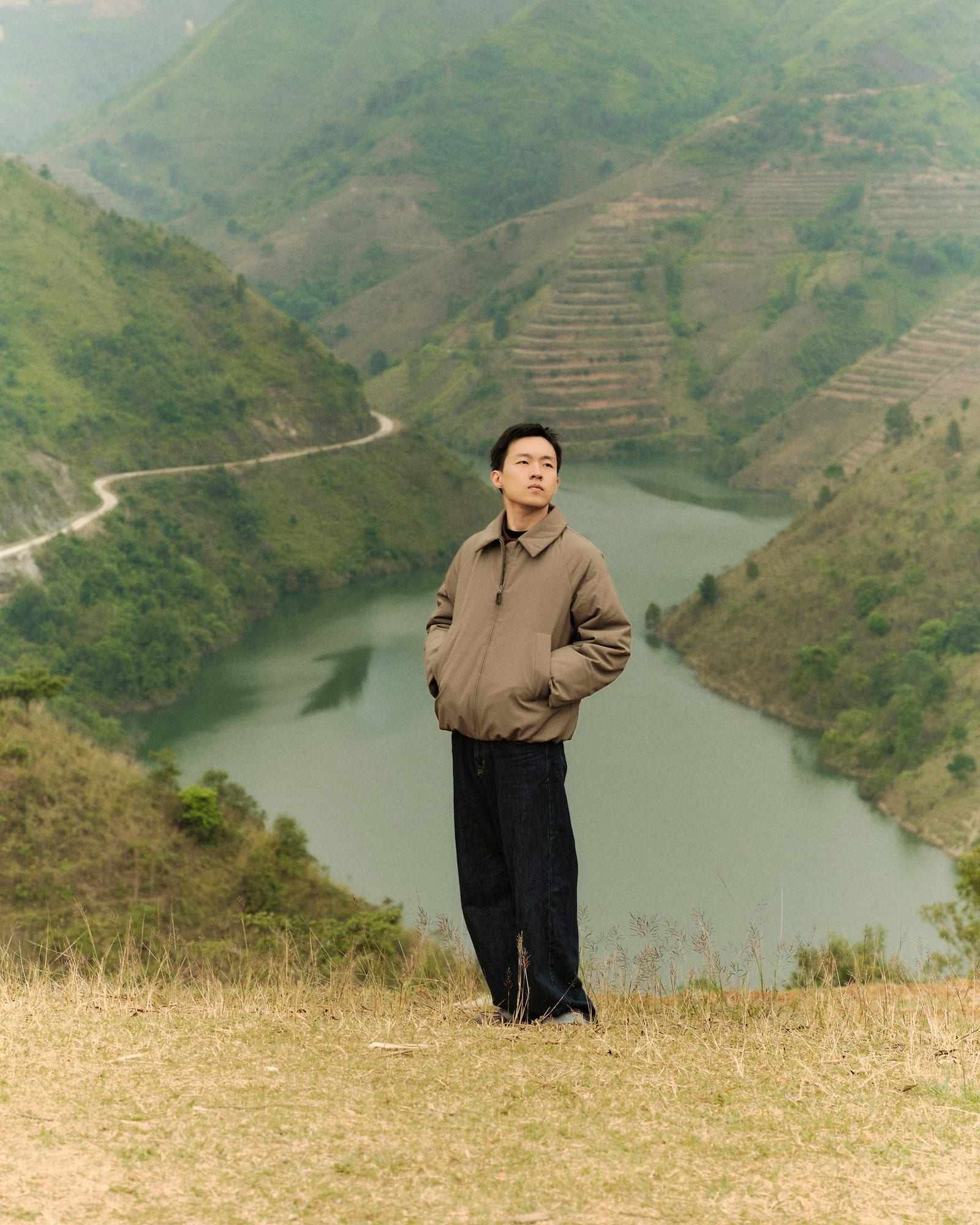
Man in a tan jacket stands on a green hillside above a river valley

Short answer

ViaCamera is an iPhone app that takes travel photos of you with nobody holding the phone. Rest it on a ledge or a small tripod, frame the view and tap the shutter once. Until you tap again, AI-BODY takes a photo each time it sees you in frame, and AI-FACE each time your face is in frame with your eyes open. The photos are real, not generated.

Why are solo travel photos so hard to get?

  • Asking strangers

    Finding someone who is willing, then explaining the angle you want, eats into the moment. You often get one rushed frame and thank them anyway.

  • Handing over your phone

    Giving your phone to someone you do not know is a small gamble every time. Many travelers would rather keep it where they can see it.

  • Selfies that hide the place

    At arm's length, your face fills the frame and the view shrinks to a sliver behind you. The viewpoint you walked to see barely shows.

  • Timing around crowds

    Popular spots rarely stay empty for long. A countdown that sends you running to your place can miss the quiet moment you were waiting for.

What an app to take photos of yourself while traveling can do

  • No stranger holding your phone

    ViaCamera takes the photo for you, so you do not need to hand your phone to a stranger or carry a remote. Tap the shutter once before you walk into the view, and it keeps taking photos each time it sees what the mode waits for, until you tap again to stop.

    Auto Shutter Camera App for iPhone
  • You and the view in one frame

    Stand back and leave room for the coastline or the skyline: AI-BODY takes the photo when it sees you in frame. For a closer shot, AI-FACE waits for your face in frame with your eyes open.

    Face Detection Camera App: AI-FACE and AI-BODY
  • A setup that works anywhere steady

    Prop the phone on a ledge, a wall or a small tripod, choose the front or the back camera, pick a mode and tap once. The same few steps work in every new place.

    How an AI Camera Takes Photos by Itself

How do you get photos of yourself on a solo trip?

On a solo trip there is nobody with you to take the picture, and you also want to be in it. The usual answers each cost something: a stranger’s time, your phone in someone else’s hands or a view lost behind a selfie. Setting the phone down and letting it shoot while you stand in the scene avoids all three.

The guide to propping your phone without a tripod covers the ledges, walls and bags that make a steady spot. ViaCamera takes care of the shutter, and where you stand and how you frame the view are up to you.

What does a travel shoot look like with ViaCamera?

You arrive at the viewpoint, and the first job is finding a steady surface at roughly the height you want: a wall, a ledge, a bench or a small tripod you carry. Keep the lens clear and check that the phone cannot slip. Either camera works with ViaCamera, front or back, and PHOTO mode is a regular manual shutter for a shot of the view on its own.

Frame the view with room left for you, tap the shutter once and walk to your spot. For wide shots with a lot of scenery, AI-BODY takes a photo when it sees you in frame. For a closer shot with a landmark behind you, AI-FACE takes one when your face is in frame and your eyes are open.

Then keep moving: walk a few steps, laugh, turn toward the view and look back over your shoulder. ViaCamera keeps taking photos each time it sees what the mode waits for, until you tap again to stop. Poses with your face turned away need AI-BODY, since AI-FACE waits for your face in frame with your eyes open. Afterward, go through the run and keep the frames you like.

What should you keep in mind on the road?

Keep the phone close and in sight the whole time, and never leave it unattended. Quieter spots and quieter times of day also make for cleaner frames, with fewer people walking through the shot. A steady surface matters more than a fancy one, so check that the phone sits firmly before you step away.

For longer sessions, a small tripod gives you control over height and angle, and the guide to taking pictures with a phone tripod explains how to set one up.
Travel shots to try

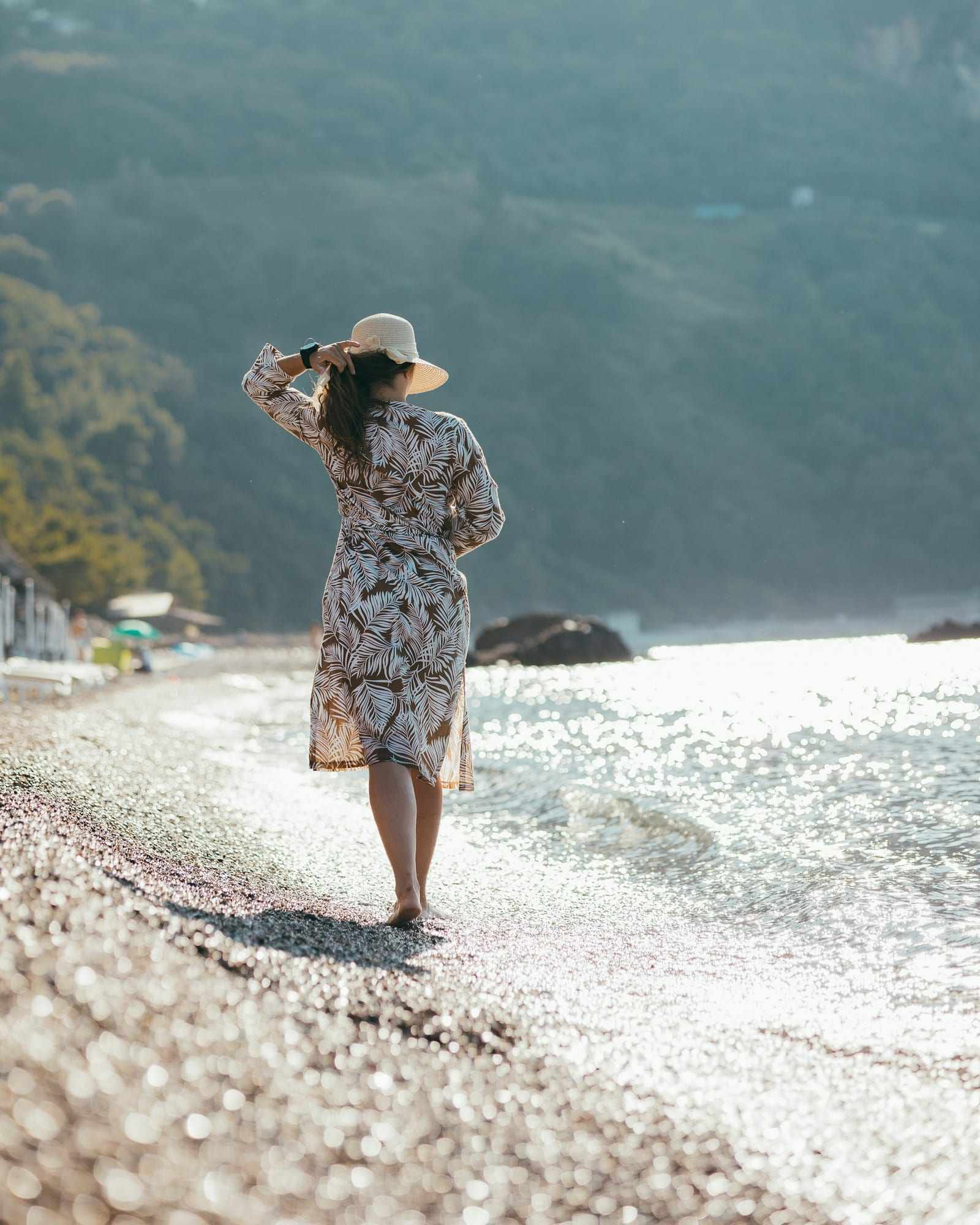
  • Woman in a patterned dress and sun hat walks along a pebble beach

    A walk along the shore

    Set the phone low and steady on a bag or a flat rock, well back from the water, and leave plenty of shoreline in the frame. AI-BODY is the mode to try as you walk away along the shore, since it needs you in frame rather than your face.

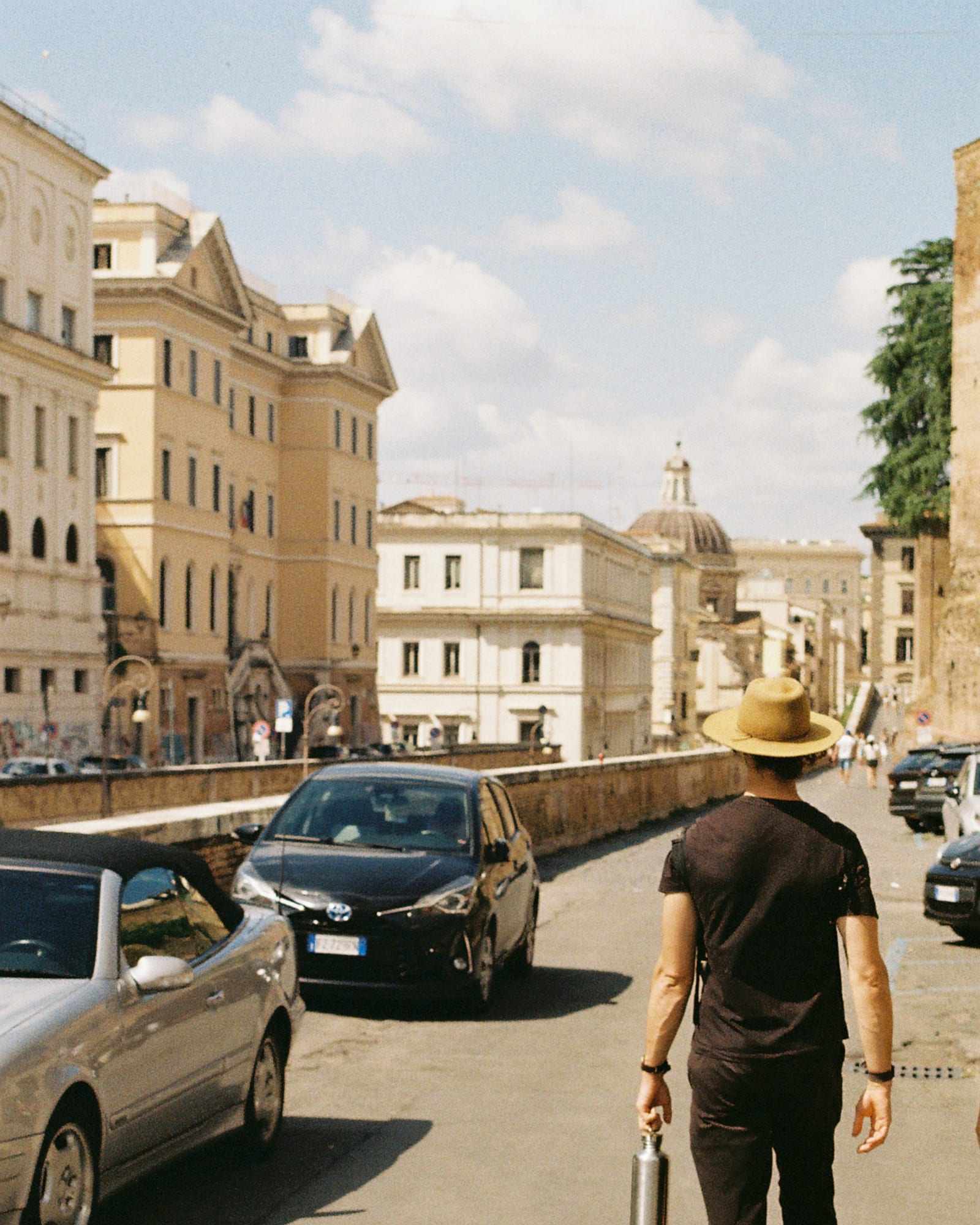
  • Man in a straw hat and dark t-shirt walks down a sunny city street

    A city street

    Set the phone on a ledge or a small tripod at about chest height, facing a quieter stretch of street. Step in from the side and walk slowly along the sidewalk, with AI-BODY as the mode to try.

Start here

Frequently asked questions

How do I take pictures of myself when traveling alone?
Find a steady spot such as a ledge, a wall or a small tripod, and frame the view with room left for you. Then fire the shutter without holding the phone, using a timer, a remote or an auto-shutter app. Take several frames, because the first is rarely the best.
Is it safe to leave my phone on a tripod?
Only if you stay close and keep it in sight. Choose quieter spots and times, never leave it unattended, and keep a light tripod low in wind. If a place is busy or you cannot watch the phone the whole time, pick another spot or hold the phone yourself.
What is the best travel tripod for a phone?
Look for one that is light, folds small enough for your bag and stays steady on uneven ground. The clamp should grip your iPhone firmly with its case on. A tabletop or flexible model suits ledges and benches, while a full-height one suits open ground.

Take your travel photos with ViaCamera

Free to download, with a 1-month free trial for new subscribers.

Download on the App Store

ViaCamera is an iPhone app. Scan this code with your iPhone camera to open it in the App Store.

Open in the App Store